| docs | ||
| kitti-eval | ||
| monstereo | ||
| splits | ||
| tests | ||
| .gitignore | ||
| .pylintrc | ||
| LICENSE | ||
| LICENSE.AGPL | ||
| README.md | ||
| setup.py | ||

Perceiving Humans in 3D
This repository contains the code for two research projects:
-
MonStereo: When Monocular and Stereo Meet at the Tail of 3D Human Localization
README & Article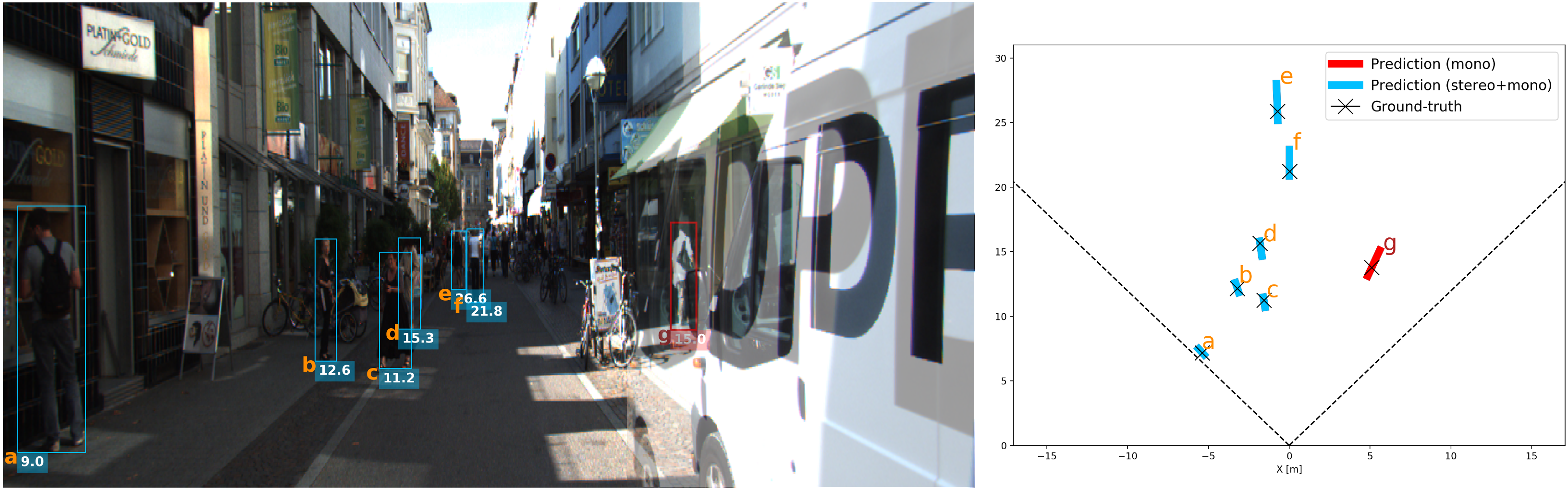
-
Perceiving Humans: from Monocular 3D Localization to Social Distancing (MonoLoco++)
README & Article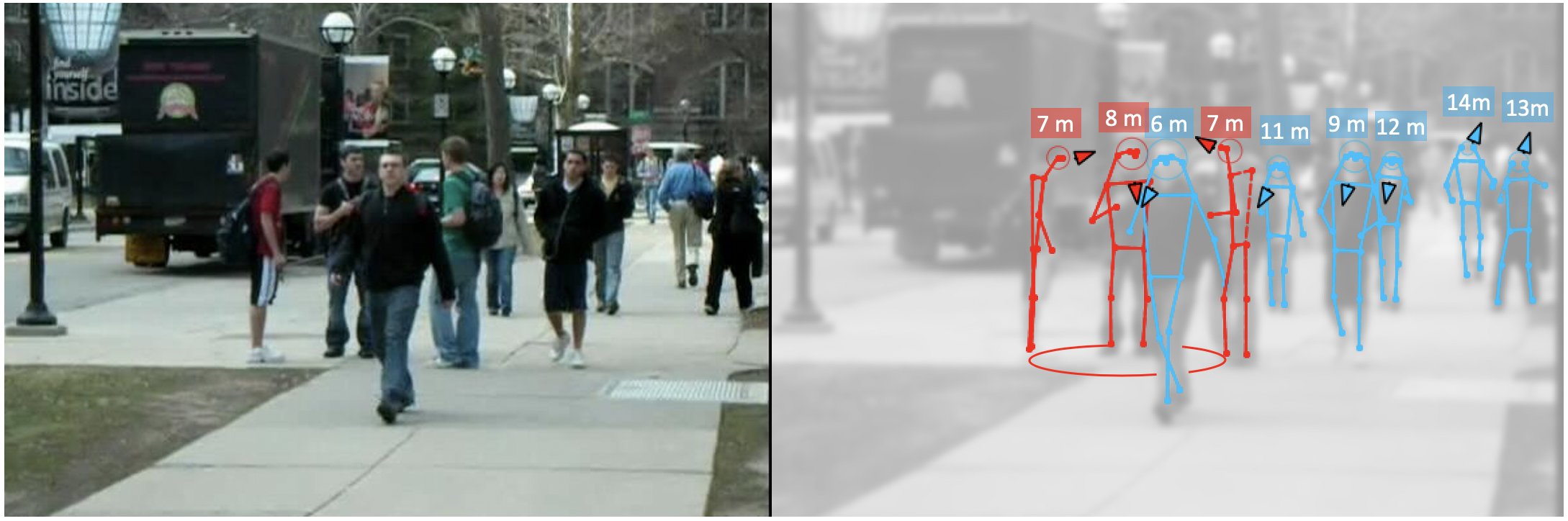
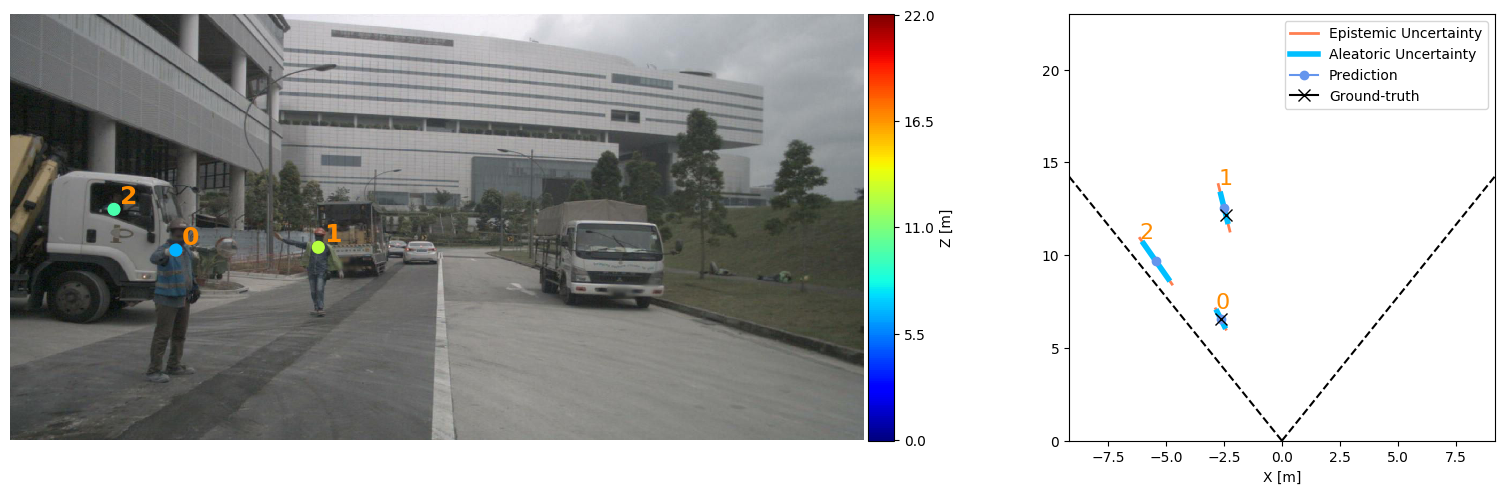
Both projects has been built upon the CVPR'19 project Openpifpaf for 2D pose estimation and the ICCV'19 project MonoLoco for monocular 3D localization. All projects share the AGPL Licence.
Setup
Installation steps are the same for both projects.
Install
The installation has been tested on OSX and Linux operating systems, with Python 3.6 or Python 3.7. Packages have been installed with pip and virtual environments. For quick installation, do not clone this repository, and make sure there is no folder named monstereo in your current directory. A GPU is not required, yet highly recommended for real-time performances. MonStereo can be installed as a package, by:
pip3 install monstereo
For development of the monstereo source code itself, you need to clone this repository and then:
pip3 install sdist
cd monstereo
python3 setup.py sdist bdist_wheel
pip3 install -e .
Interfaces
All the commands are run through a main file called main.py using subparsers.
To check all the commands for the parser and the subparsers (including openpifpaf ones) run:
python3 -m monstereo.run --helppython3 -m monstereo.run predict --helppython3 -m monstereo.run train --helppython3 -m monstereo.run eval --helppython3 -m monstereo.run prep --help
or check the file monstereo/run.py
Further instructions for prediction, preprocessing, training and evaluation can be found here: